How can I adjust my next shipment date?Updated 6 days ago
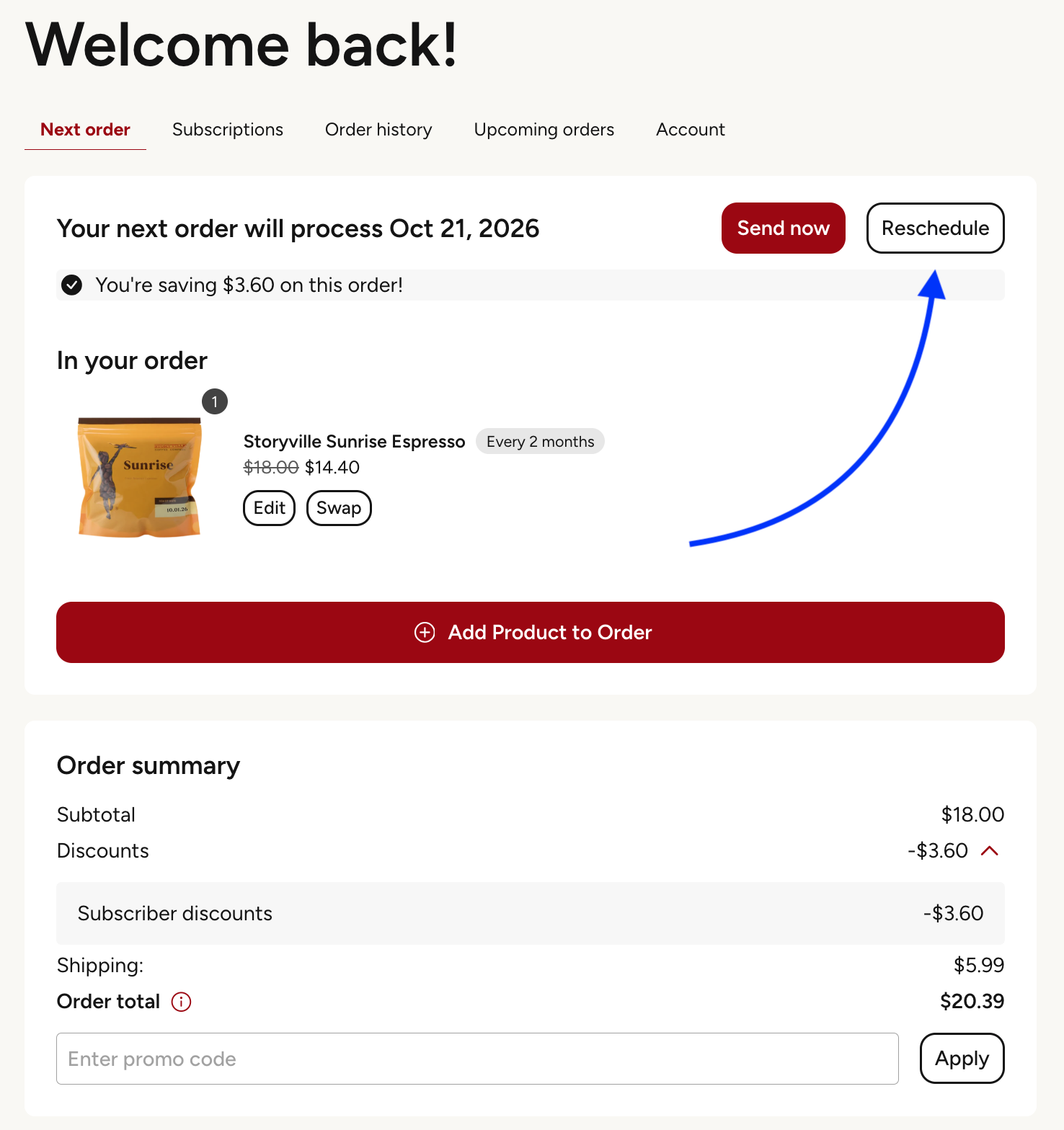
When logged into your account, click on the "Reschedule" button.
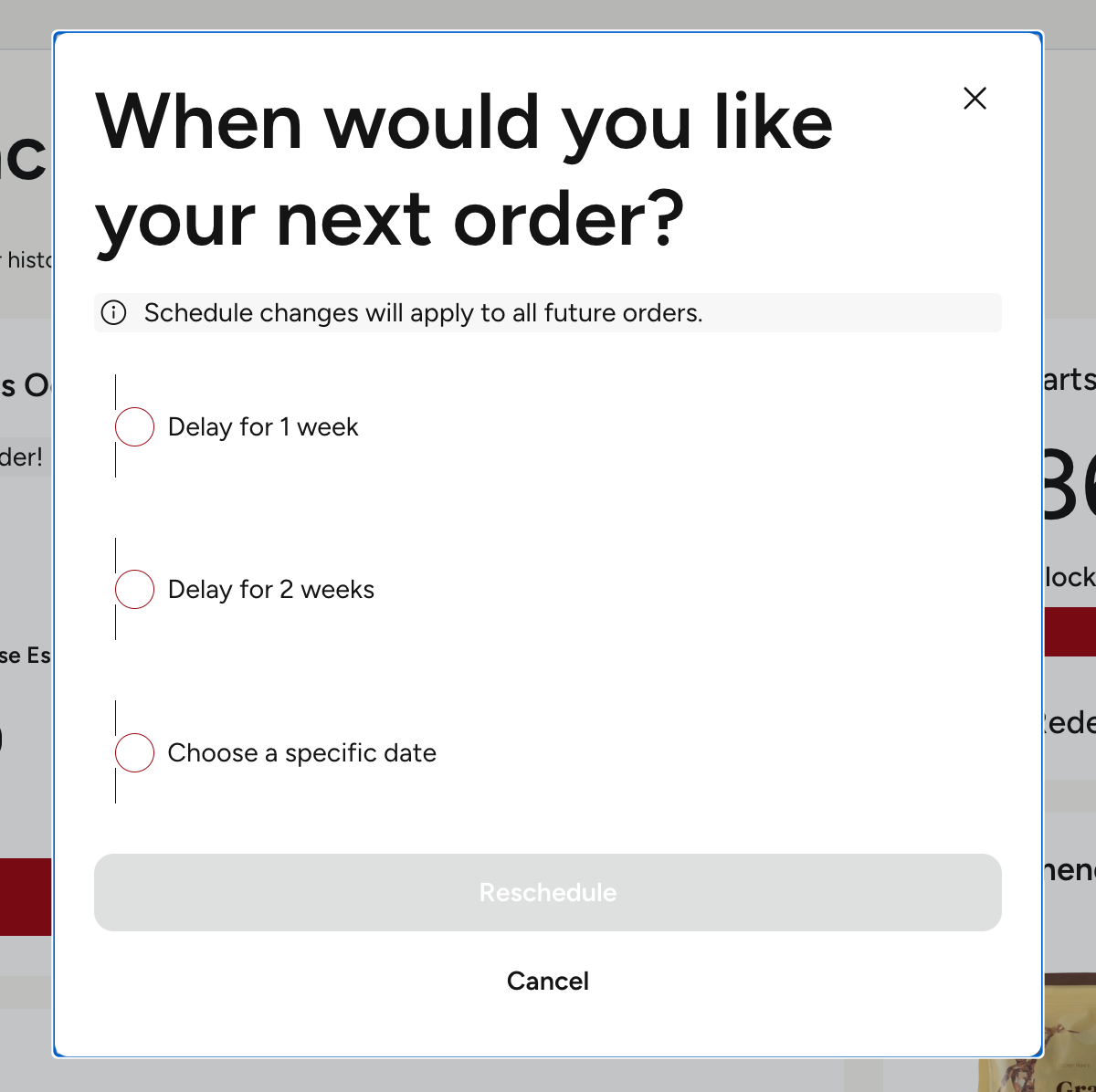
You then have the option to delay for 1 or 2 weeks, or choose a specific date
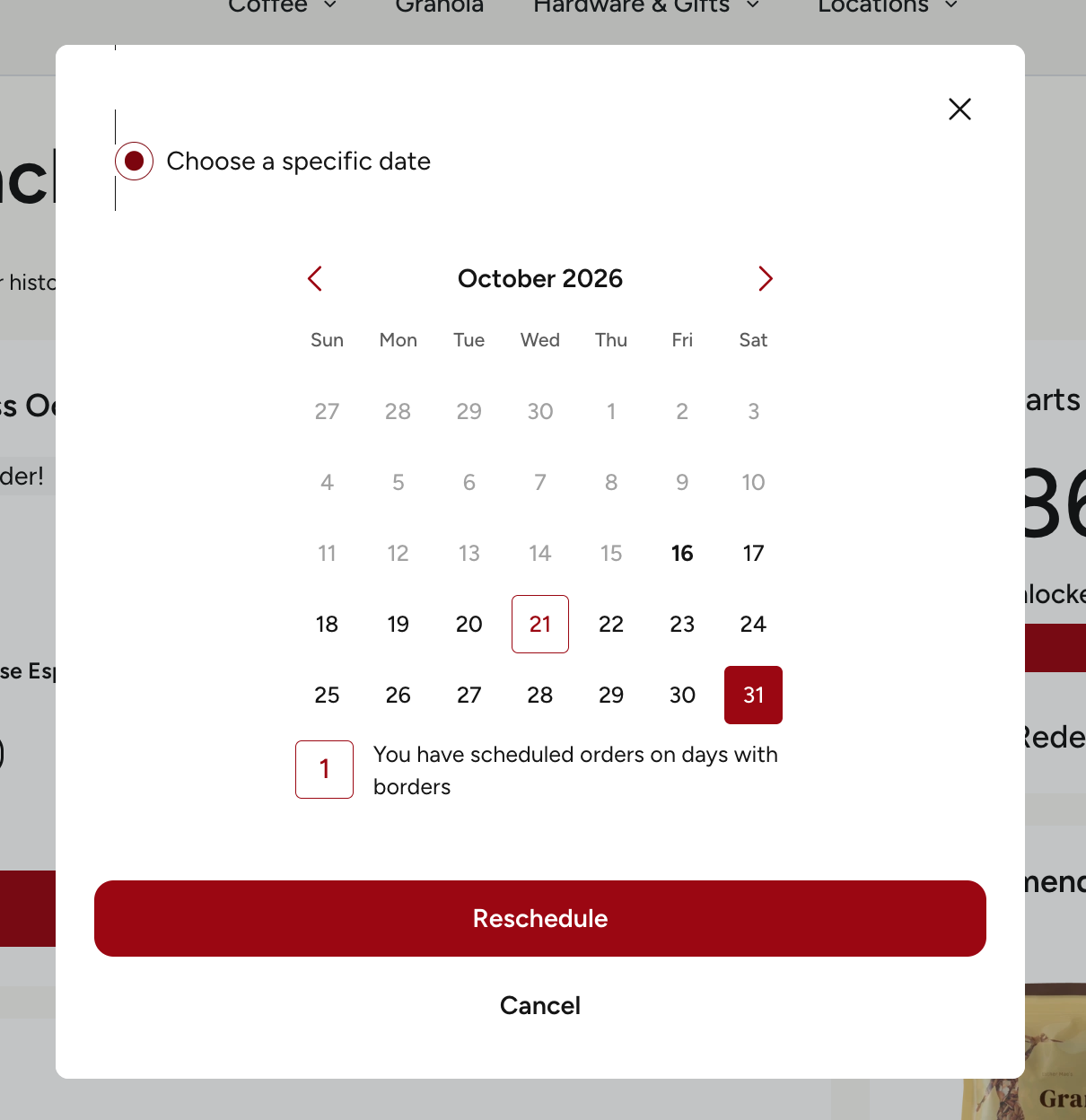
If you select the specific date option, you are provided with a calendar to choose the date that works best for you. Once the date is selected, click "Reschedule" to finalize it.